Traveling with family depends on wireless internet connections. Having to check in for flights, upload pictures, streaming movies for children during the layover, and managing work emails means that a family member will be connected to yet another network every day. Installing a chrome vpn is the simplest way to prevent such connectivity from becoming a privacy concern since this VPN encrypts the internet traffic of the whole family despite the seemingly dangerous aspect of those connections in places like hotels, airports, and cafés. Installing a lightweight, reliable AI VPN on every family member’s browser and phone is often the single most effective step, since it applies that protection automatically in the background, without anyone needing to remember to switch it on before checking email in a hotel lobby.
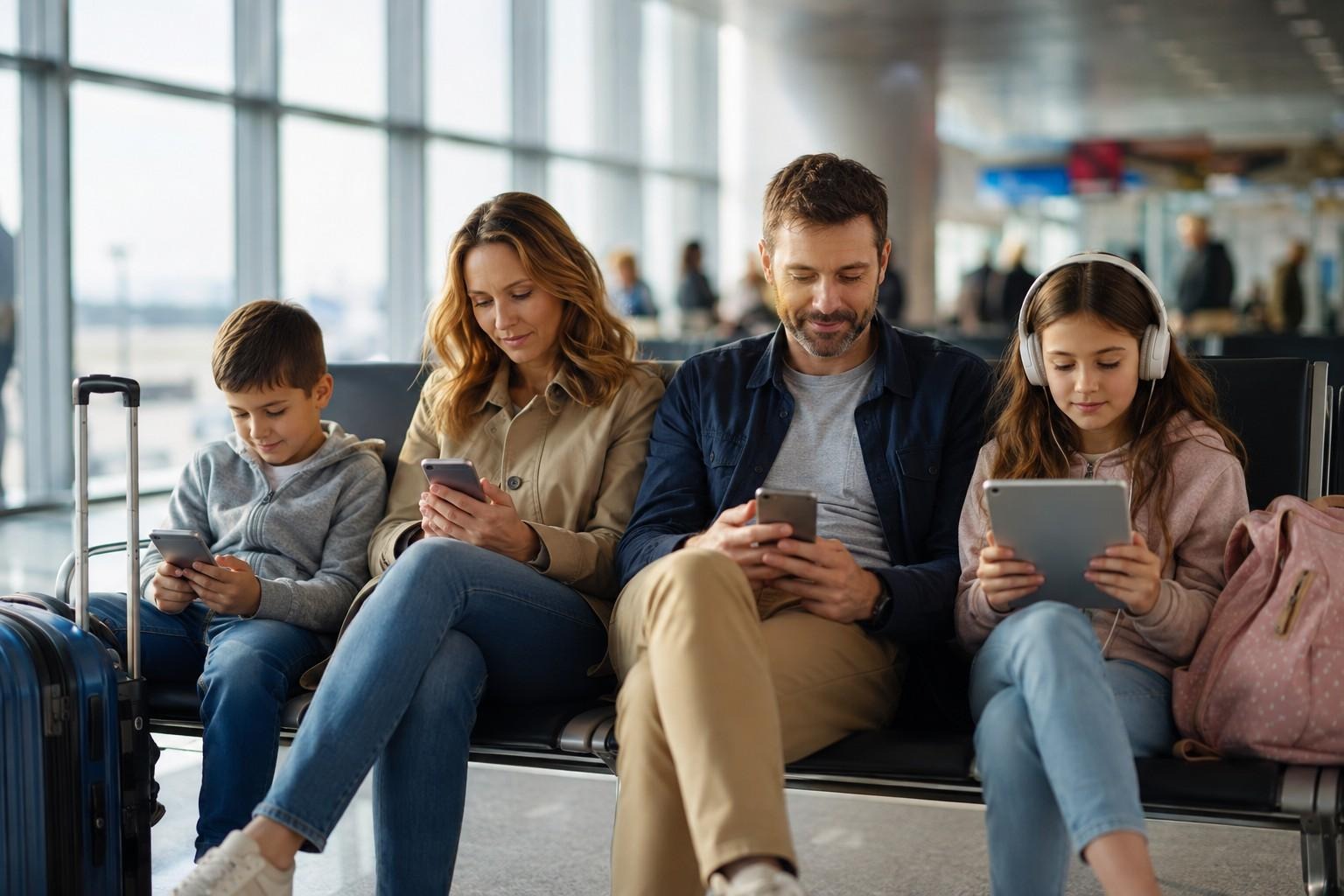
What Is Online Privacy When Your Family Is on the Road?
People do not think much about their home network. It’s safe and familiar, with the same gadgets using it every day. When it comes to travelling, it is no longer easy to understand what online privacy is all about. If someone wants to know the answer to the question of online privacy, he or she has to have a good understanding of what data is shared with whom in the first place. A connection can be seen, for example, by a Wi-Fi provider of a
café, people staying at the same hotel, or a trickster that set up a fake Wi-Fi Hotspot in the airport. According to the Federal Trade Commission, free hotspots at hotels, coffee shops, and airports seem great but aren’t always secure.
Why Public Wi-Fi Puts Traveling Families at Risk
Children’s tablets, an accomplice’s laptop, passenger’s tickets visible on a mobile phone – a traveling family utilizes ample gadgets, each having a chance to be hacked. Credentials, banking information, and even family pictures can be accessed if one of the devices connects to an unsafe or hacked Wi-Fi. The Federal Communications Commission urges everyone who frequently uses unsecured Wi-Fi to employ a VPN because this software provides encryption for all information transferred between a device and the Internet.
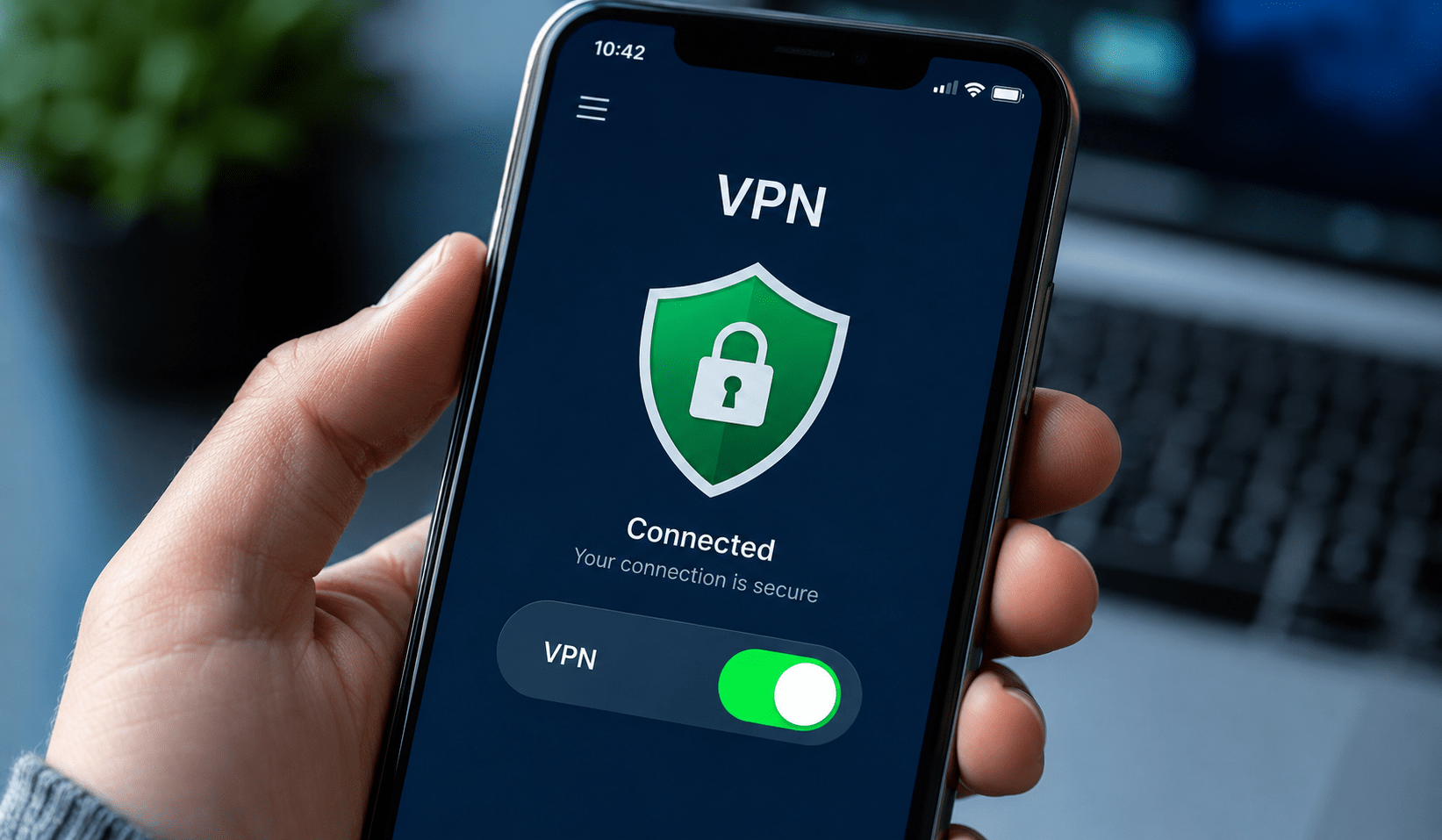
How to Protect Your Online Privacy During Family Trips
Knowing how to protect your online privacy while traveling comes down to a few consistent habits, applied across every device in the family:
- Turn on a VPN before connecting, rather than after logging into anything sensitive.
- Forget networks after use so devices don’t auto-reconnect to an insecure hotspot later.
- Avoid entering passwords on unfamiliar networks without double-checking the network name with staff first.
- Enable two-factor authentication on email, banking, and social apps, since it adds a second barrier even if a password is intercepted.
- Log out of accounts once finished, especially on shared family devices or tablets kids might hand back and forth.
Security-focused guidance for travelers consistently points to two-factor authentication as an added layer of protection specifically because public Wi-Fi makes it easier for someone nearby to capture login details.
Online Privacy Tools Every Traveling Family Should Consider
In addition to a VPN, there are several online privacy tools that can help keep devices consistent across an entire family. One of these tools is a browser-based VPN extension (like a chrome vpn) that provides protection on a device-by-device basis without necessarily having to configure a router. Another option is a family password manager that allows everyone not to use the same weak password for every travel booking site or Wi-Fi portal. Additionally, it is important to take advantage of the built-in device encryption available on most modern phones and computers, which is something that needs to be verified prior to leaving. Lastly, using an individual hotspot for mobile internet is a good idea to have a backup in case the public connection is not reliable.
Online Privacy Tips for Keeping Kids’ Devices Safe
Tablets and smartphones used by children must be protected with proper online privacy steps since children have difficulty noticing suspicious network IDs or phony webpages. The following are some recommendations for parents:
- Creating parental controls and app permissions should be done before you travel rather than when you are on the plane.
- Disabling the automatic Wi-Fi feature on children’s devices is essential to make sure children do not connect to any open networks without someone noticing.
- All the family devices must connect to a VPN by default as opposed to relying on children to switch the VPN on.
- Parents should explain to their children why it is safer to wait until they are back home before they share pictures or log into various games.
Conclusion
When you travel with a family, there is already quite a bit to handle as you should control bookings, timing, and everyone’s gadgets. However, there is no need to take care of personal safety at all stops. Being online with a trustworthy VPN, and following the right habits like using two-factor identification and ignoring outdated networks will help reduce the threats of connecting to Wi-Fi networks in the airport, hotel, or café. All you need to do is
prepare everything before the trip and keep using this application everywhere so you can enjoy every minute with your family members.

Hey welcome to my blog . I am a modern women who love to share any tips on lifestyle, health, travel. Hope you join me in this journey!


Speak Your Mind